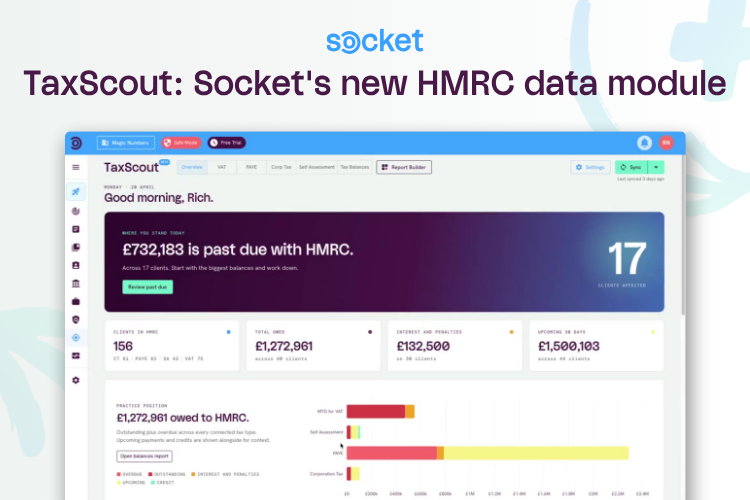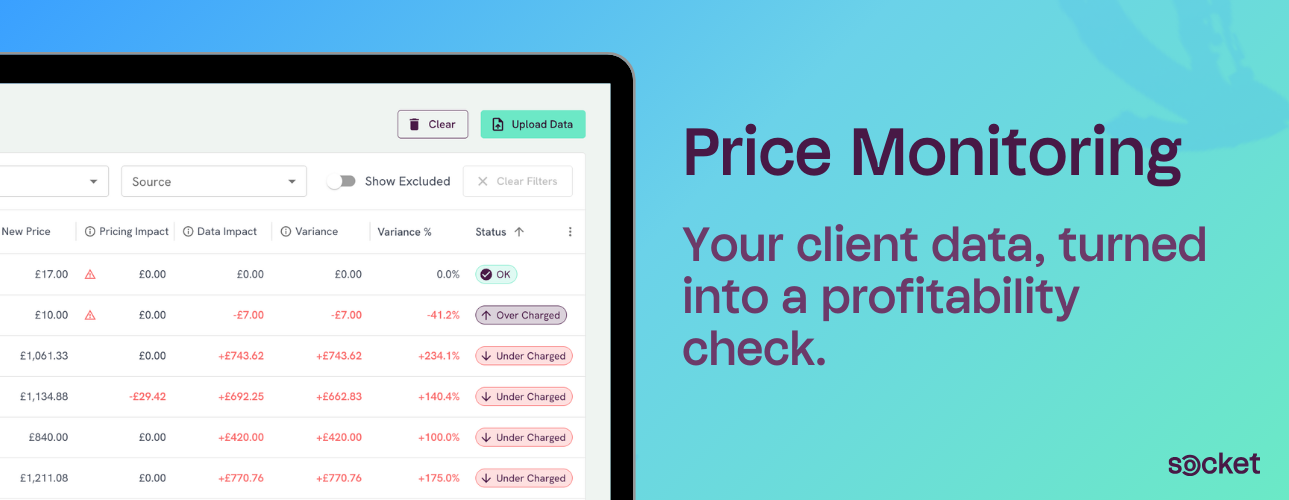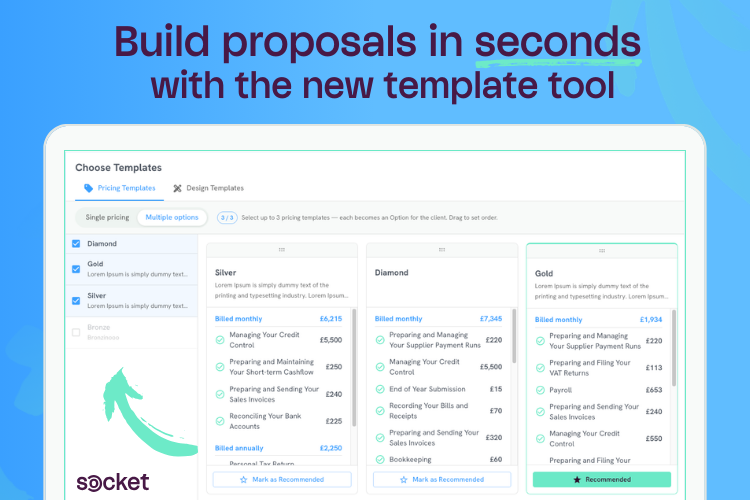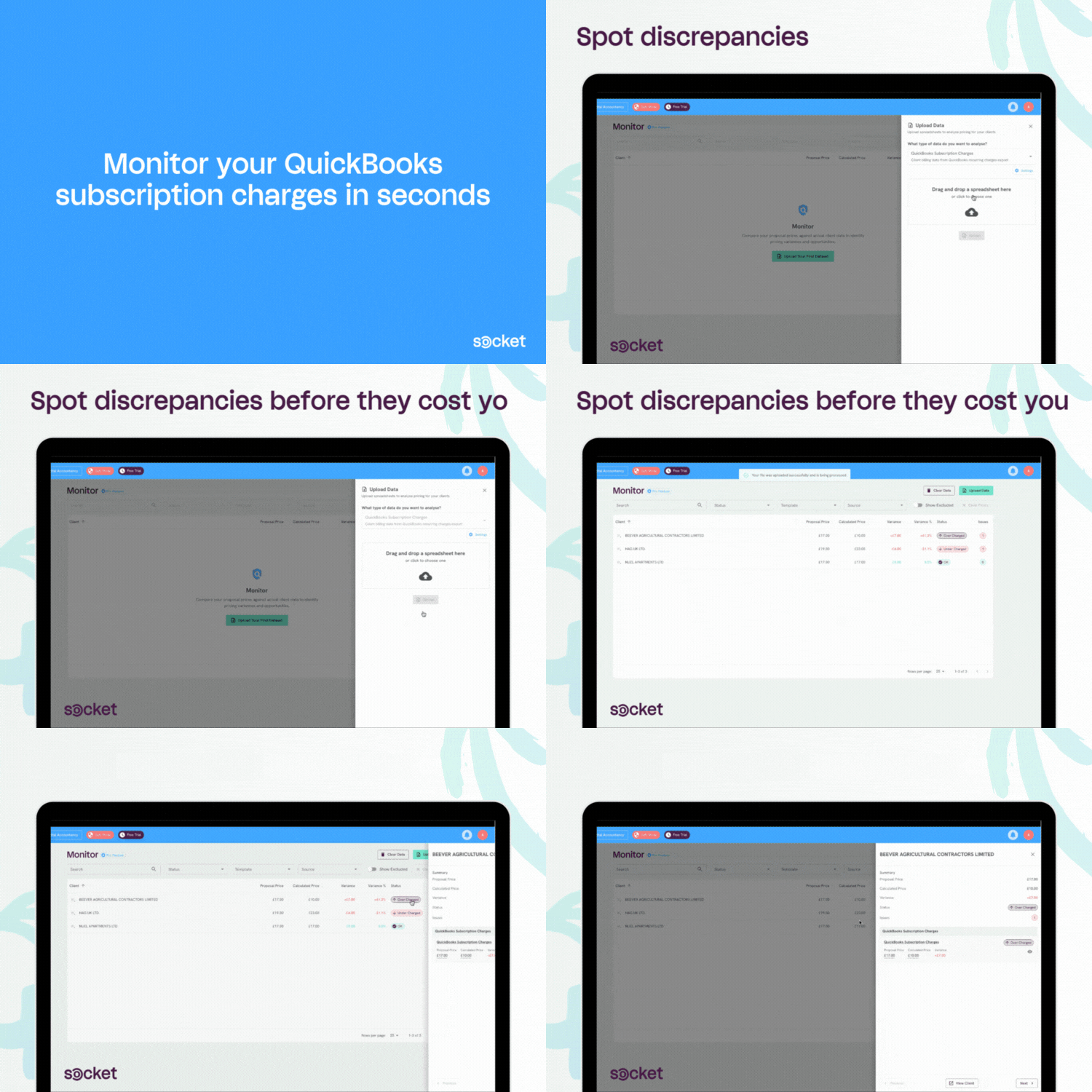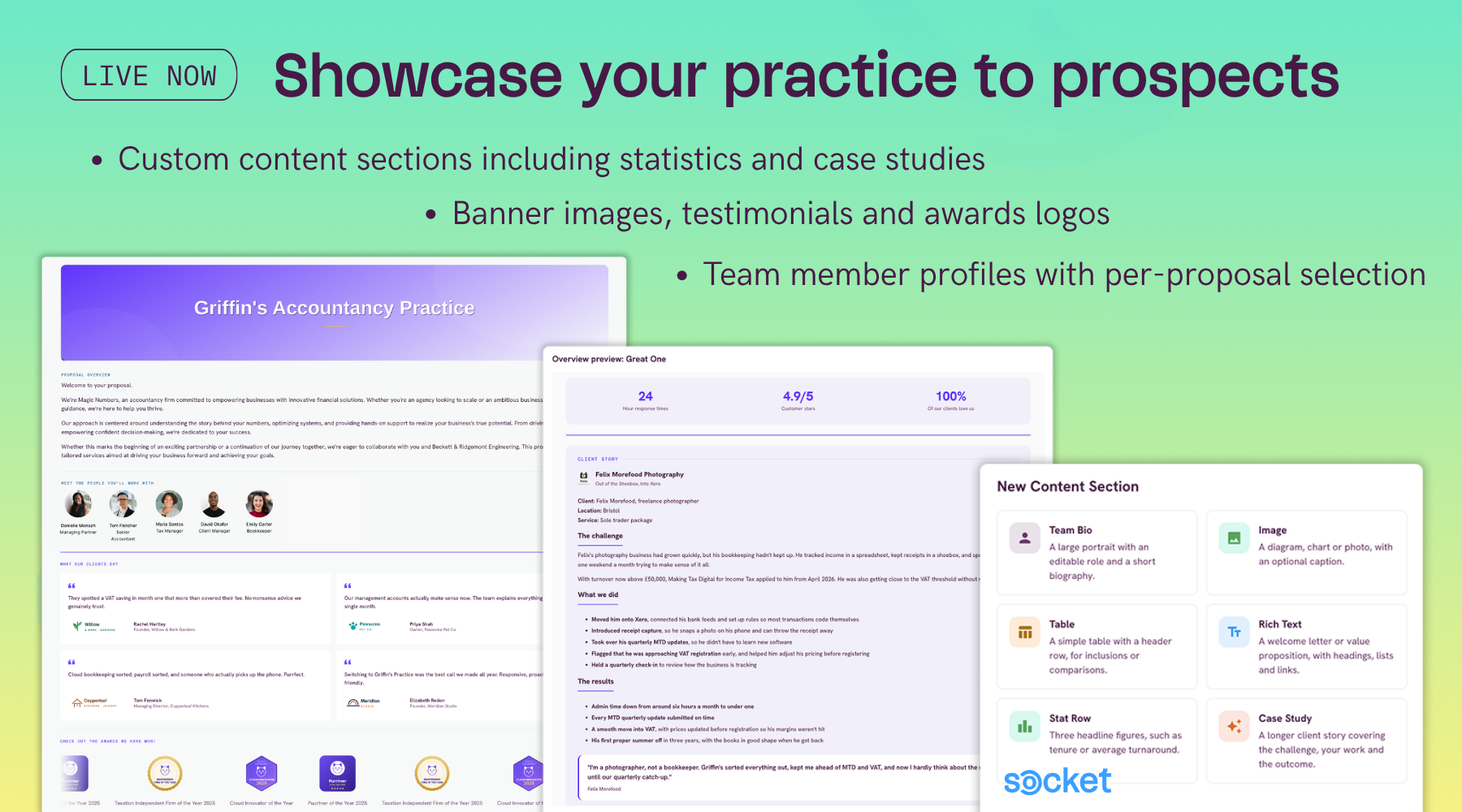
The new proposal design
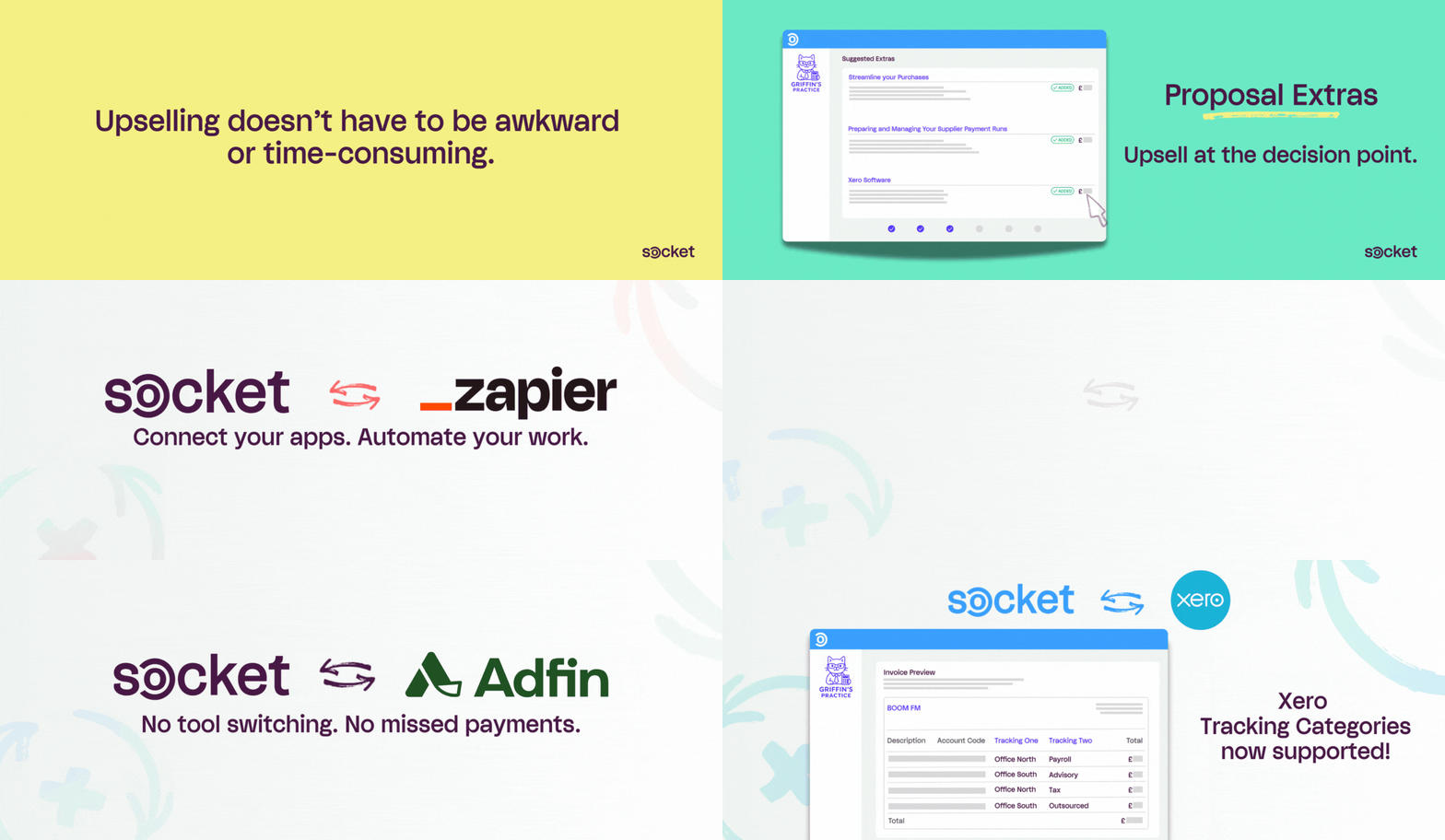
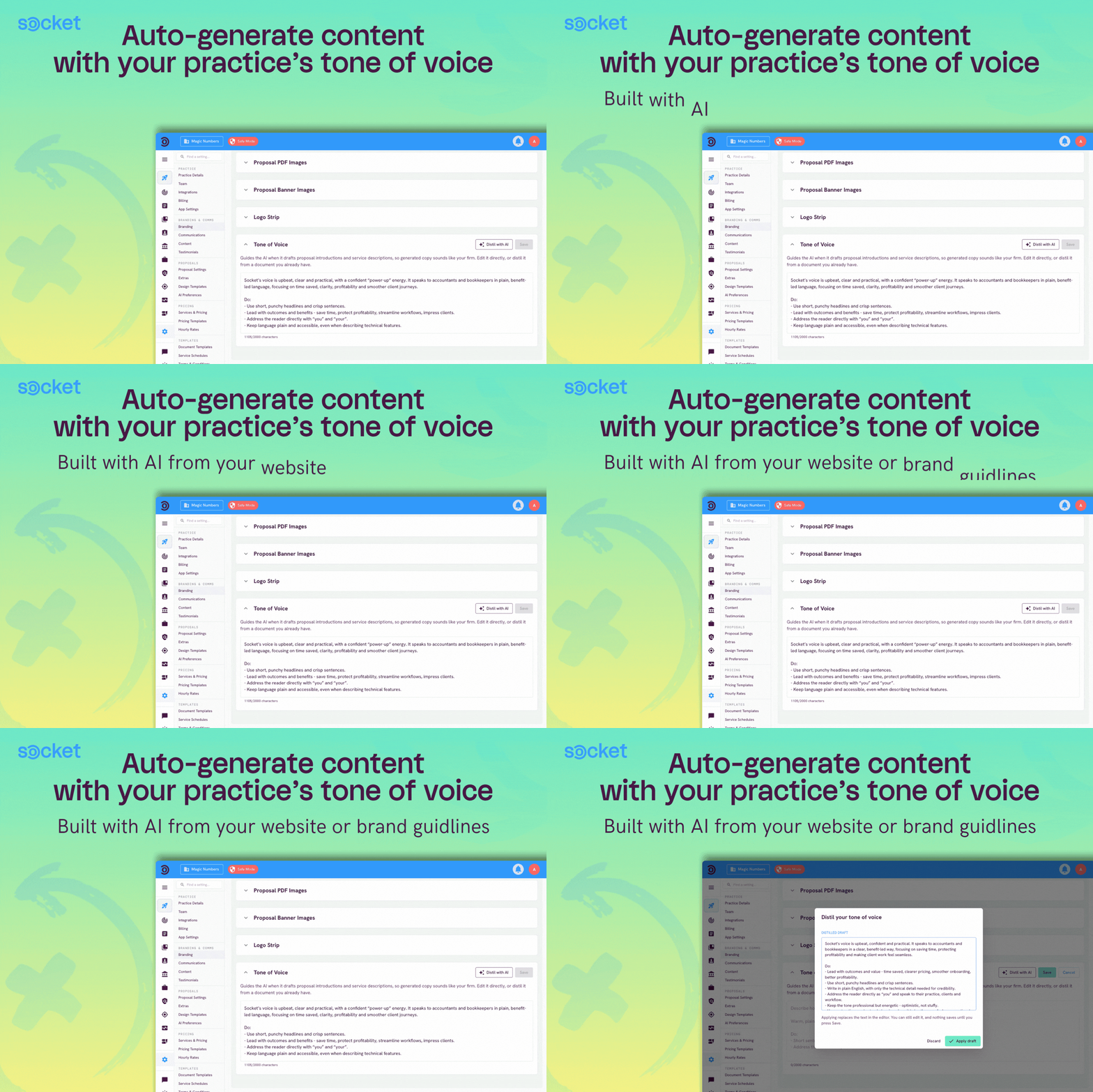
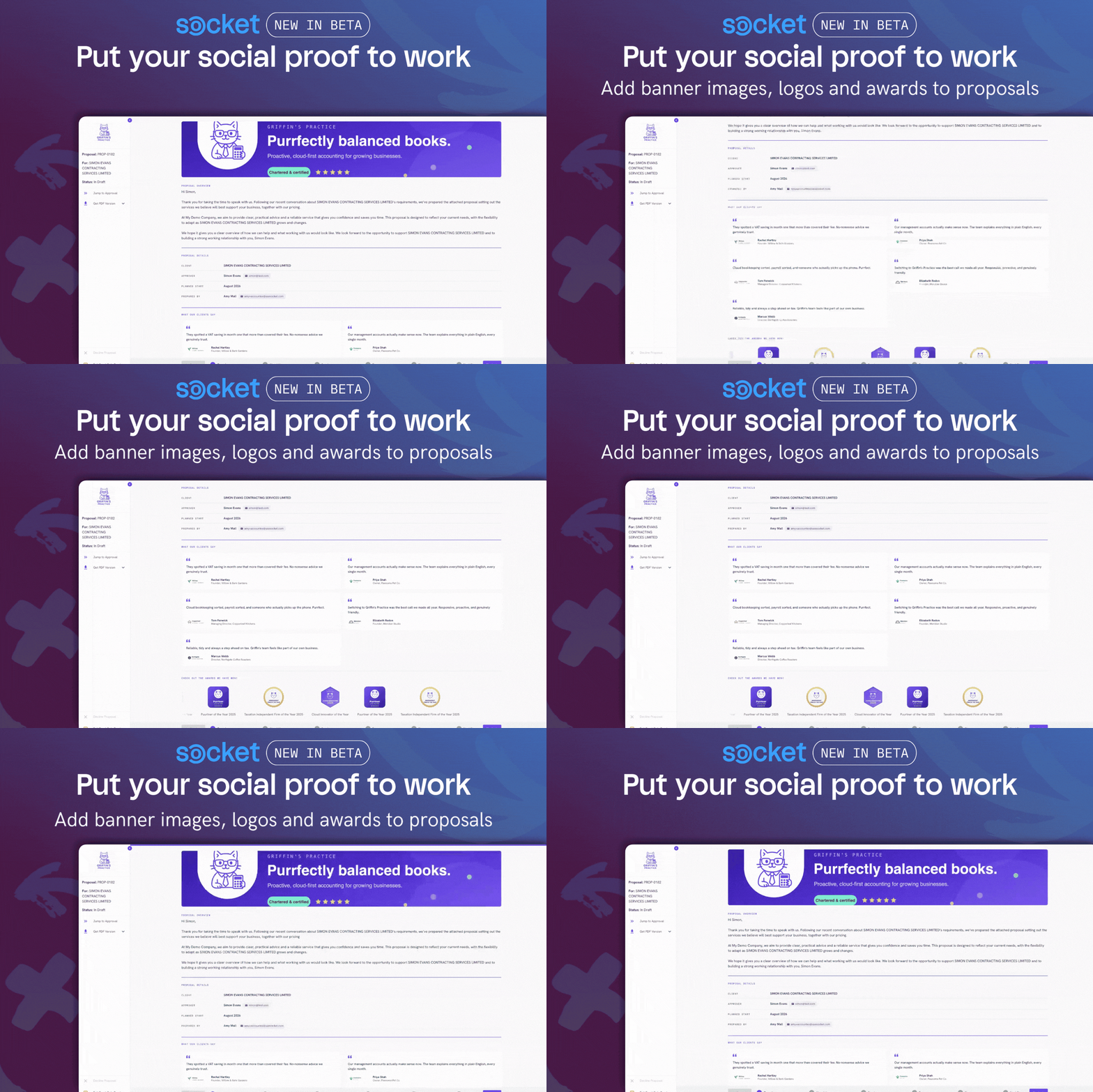
The proposal redesign ramps up how much you can tailor proposals to showcase your practice to prospects. You can now add more social proof, build customised sections, and introduce your team with photos and personalised signature sign-offs.
Practice banner image across the top of the proposal, set in [Branding Settings].
Testimonials with client photos or company logos
Scrolling "Trusted by" logo strip to add awards row or client logos
Meet the team: photos and job titles, picked and ordered per proposal
Custom content sections built once in Settings and added to proposals through design templates: including team bio sections, images, tables, rich text, stat rows and case studies.
To find out more about the new redesign, visit our recent New Features Roundup webinar.
Other releases:
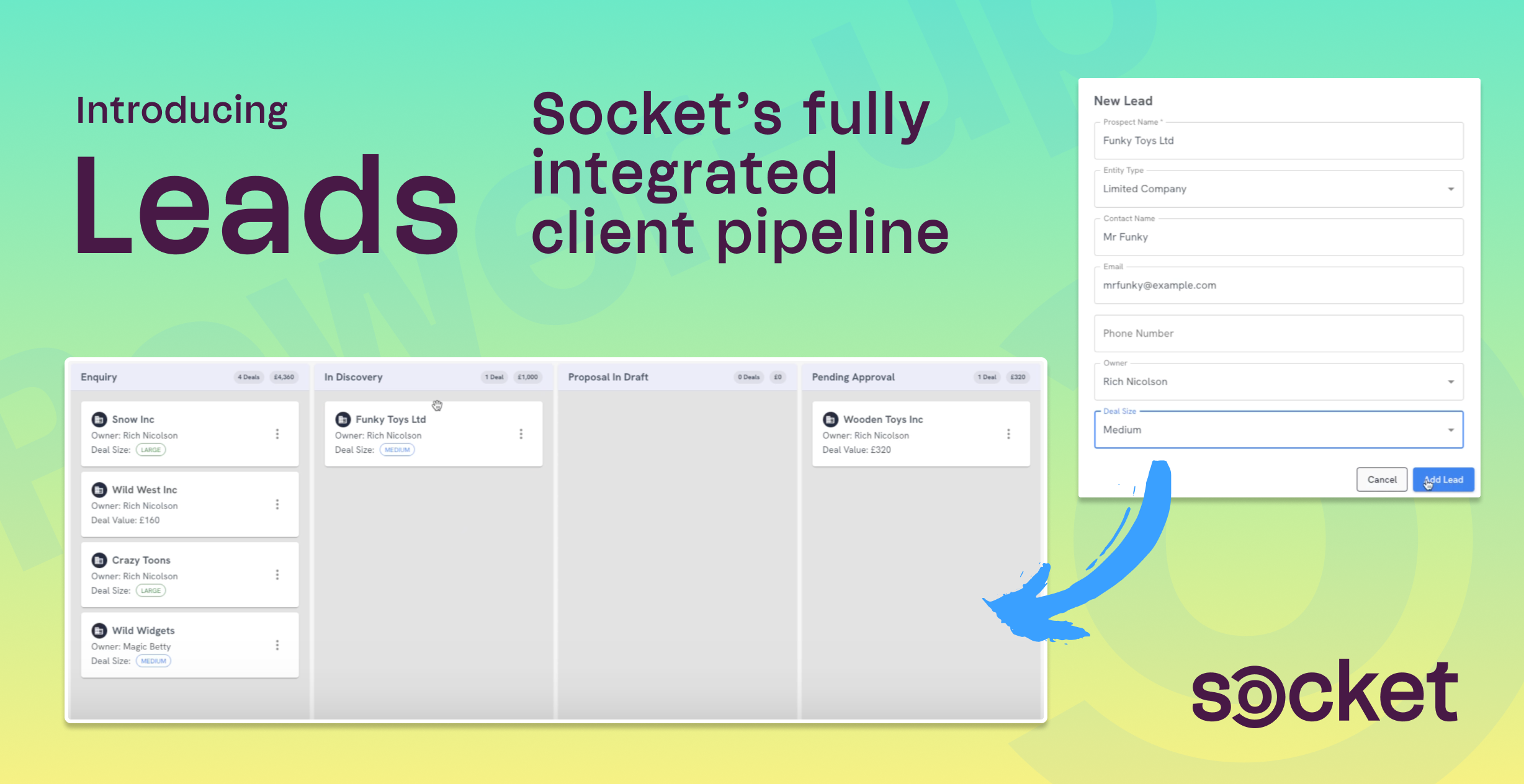
✔️ Leads Updates
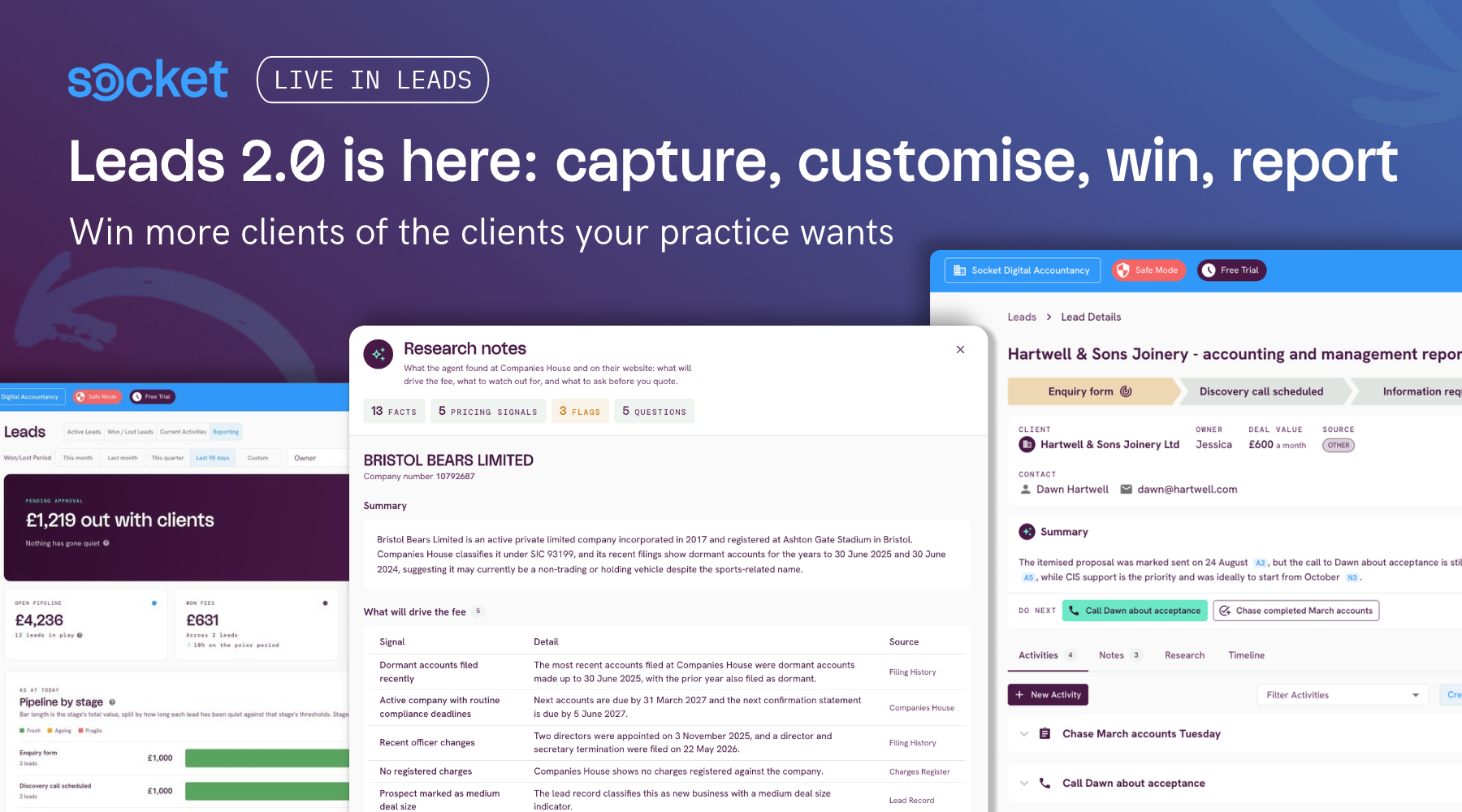
Get notified when a lead is assigned to you. Whenever a lead is assigned or reassigned, the new owner gets an email and in-app notification, with an optional Slack post you can switch on in Lead Settings. Setting Up the Leads Module
AI lead summaries and AI proposals now read your attachments. Save a call transcript or a set of accounts to a lead and the AI summary will cite it, and Generate with AI will use it to shape the proposal. Generating Proposals with AI in Socket
See where your leads convert and where they stall. Leads Reporting has three new widgets: a conversion funnel, lost leads by reason, and leads by source. The owner filter now takes more than one person, so you can see combined figures for a team. Leads Reporting
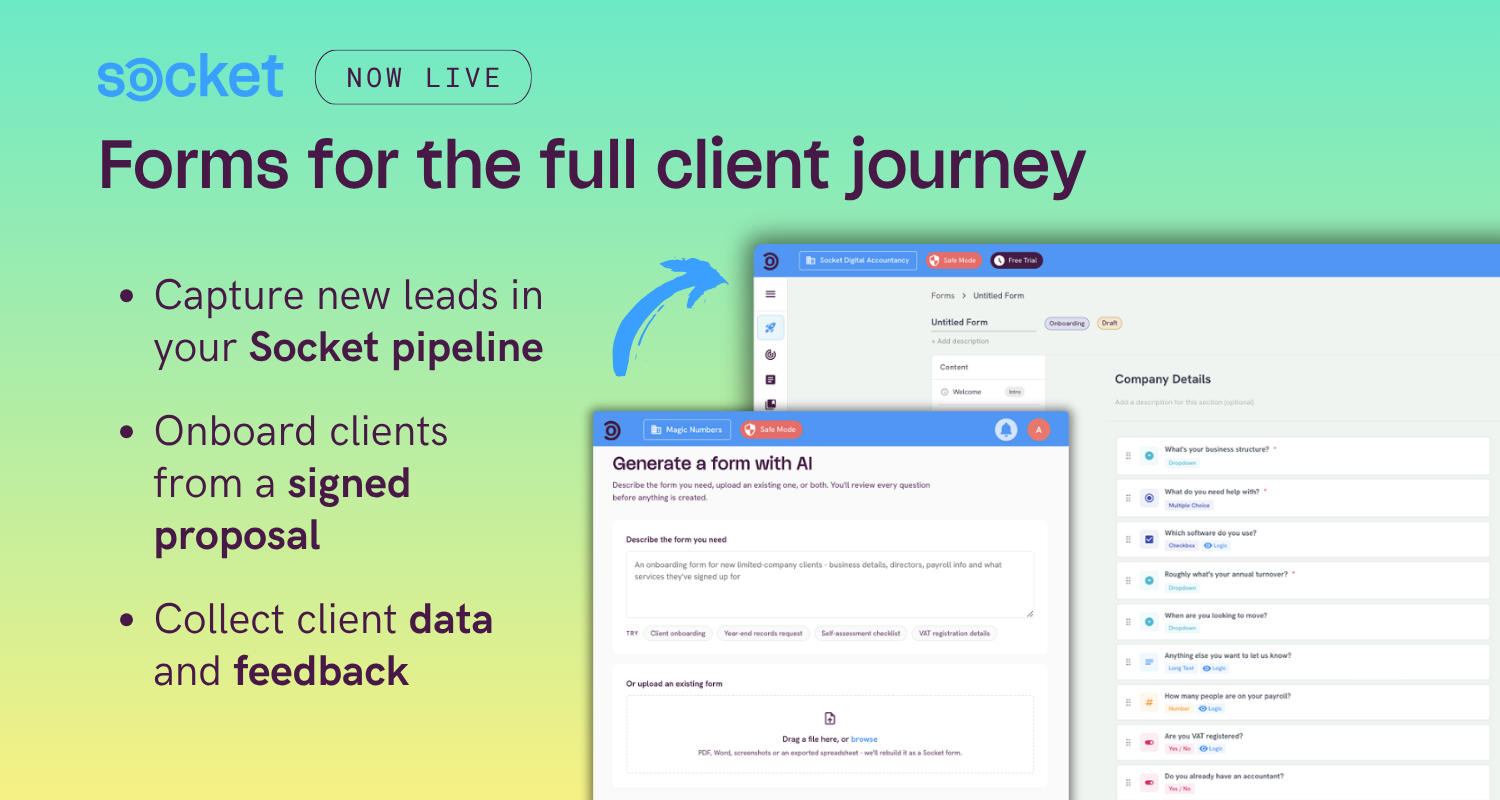
✔️ Forms Updates
Send respondents to different places after they submit their form. 'Next steps' replaces a single redirect. Set conditional rules based on the form answers, so you can send respondents to different links or custom messages depending on your own criteria. Capturing Leads from a Form
Share a form as a link. From a client's Forms tab, you can now share a form with contacts as a link to send by WhatsApp, Outlook, or in person, as well as by email. This is also useful for practices that want to fill out an internal form and save it against the client record. Sharing and sending your form
Search responses by answer or client. The Responses search now matches every answer and the linked client's name, so you can pull out one client's responses and export them. Viewing and managing responses
Small edits no longer create a new version. Publishing a basic change to a live form, like adding a dropdown option, updates the live version instead of splitting your responses. Number answers also now show with thousands separators. Editing a live form and versions
✔️ Pricing, proposals, and invoicing
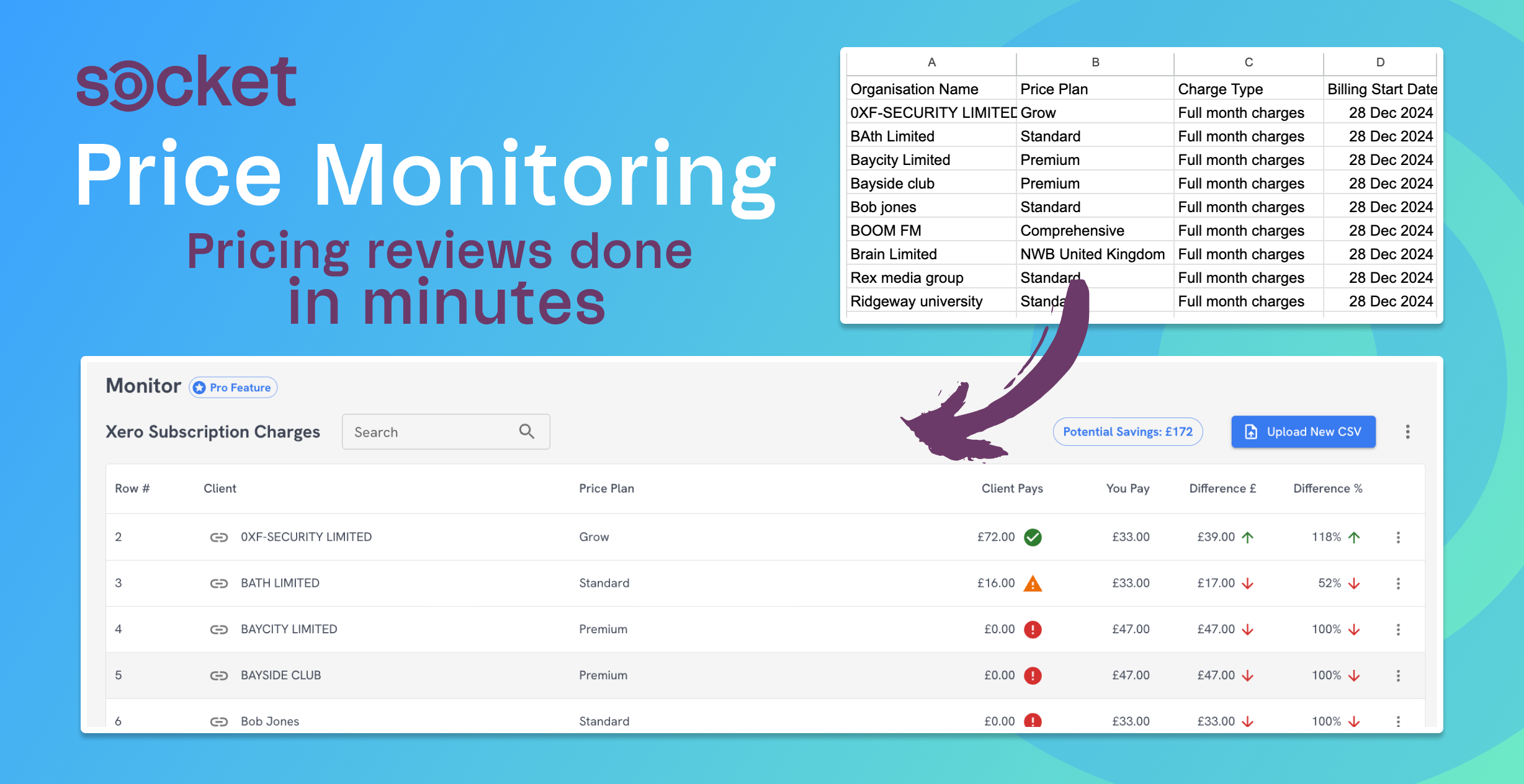
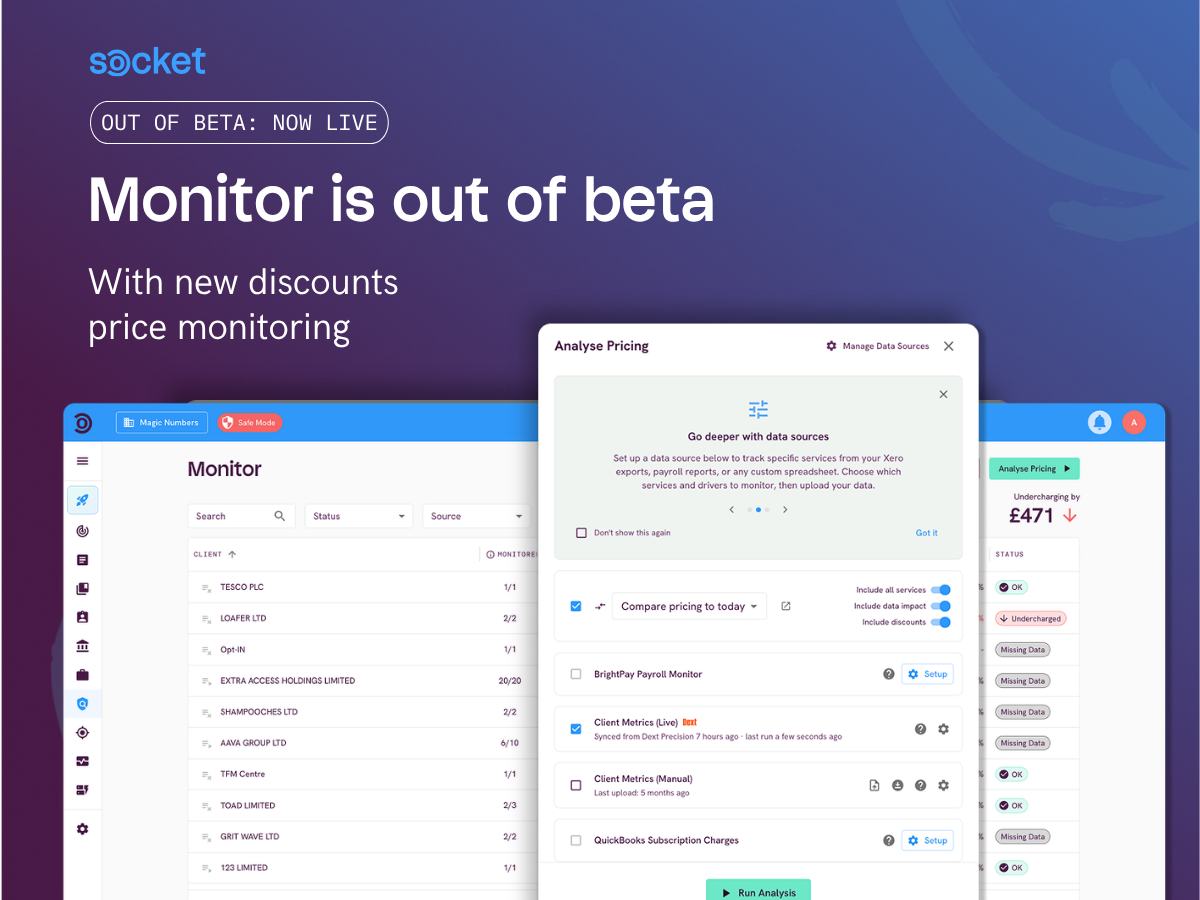
Set a minimum fee per service. Give a service on your pricing menu a floor price, and drivers and discounts will never take it below that. Price Monitor and bulk adjustments show you where the minimum applied too. An Overview of Pricing Menus
Price by business structure. The new Entity Type price driver sets one price per band of business structures, such as sole traders or charities, pre-filled to proposal pricing from the client's record. Price Drivers Explained
Bulk edit your service descriptions. Download every section and service description as a spreadsheet, edit it, then upload it and review the changes on a draft menu. An Overview of Pricing Menus
Custom reminder schedules. You can now save more than one named reminder schedule, mark one as the default, and choose between them per proposal or letter. Each reminder in a schedule can have its own gap and email wording, up to 10 reminders, and sends are moved off weekends. Proposal and Engagement Letter Reminders
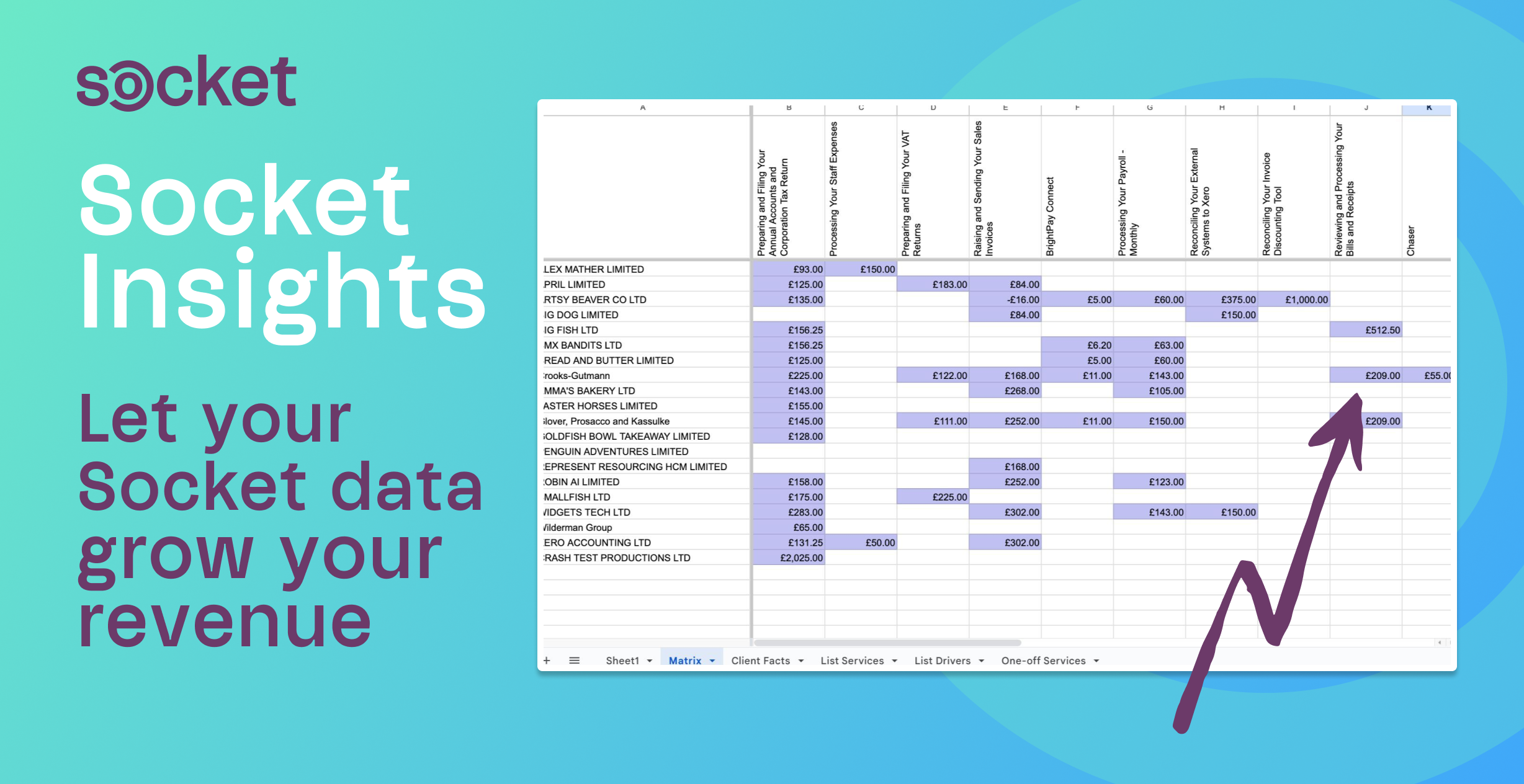
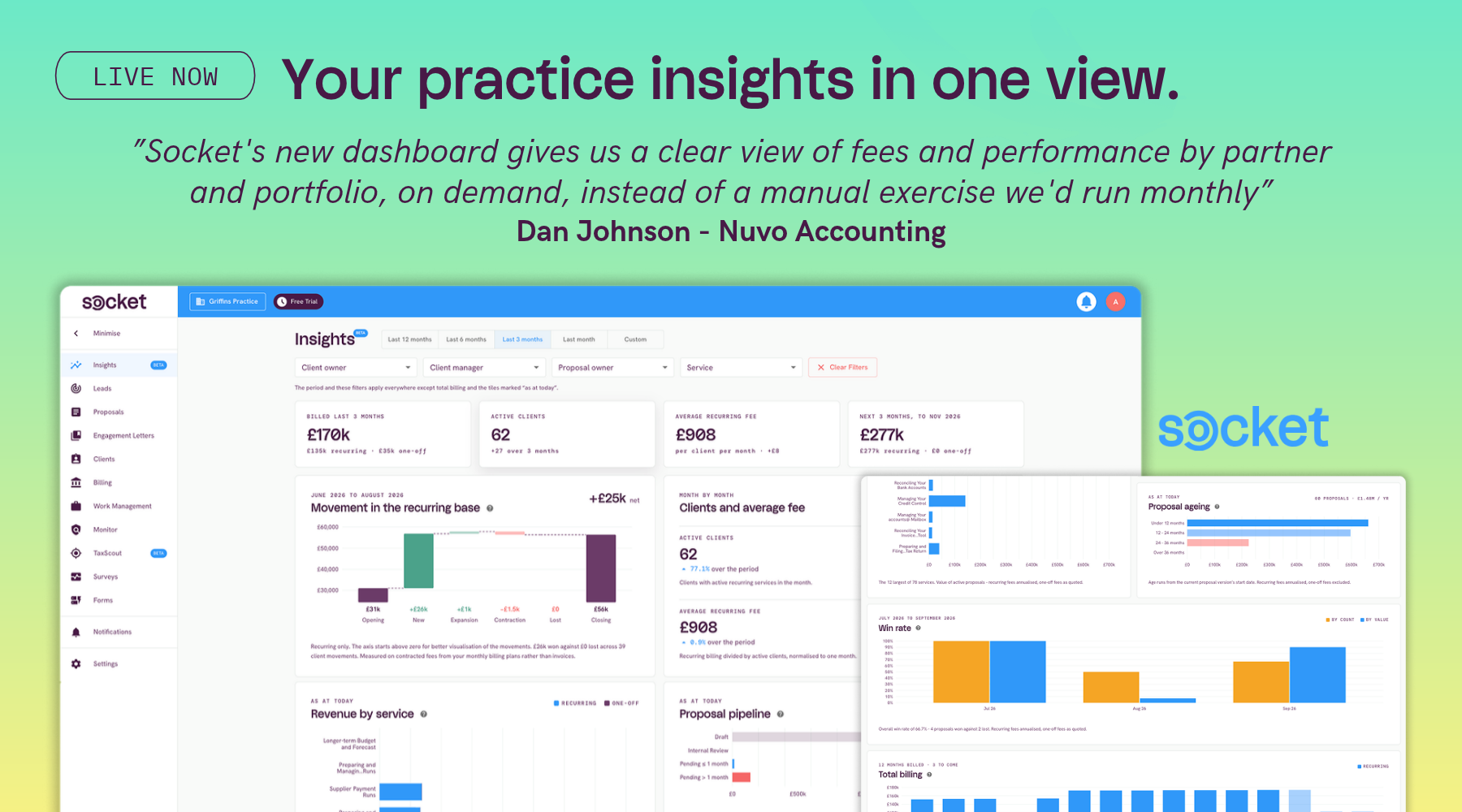
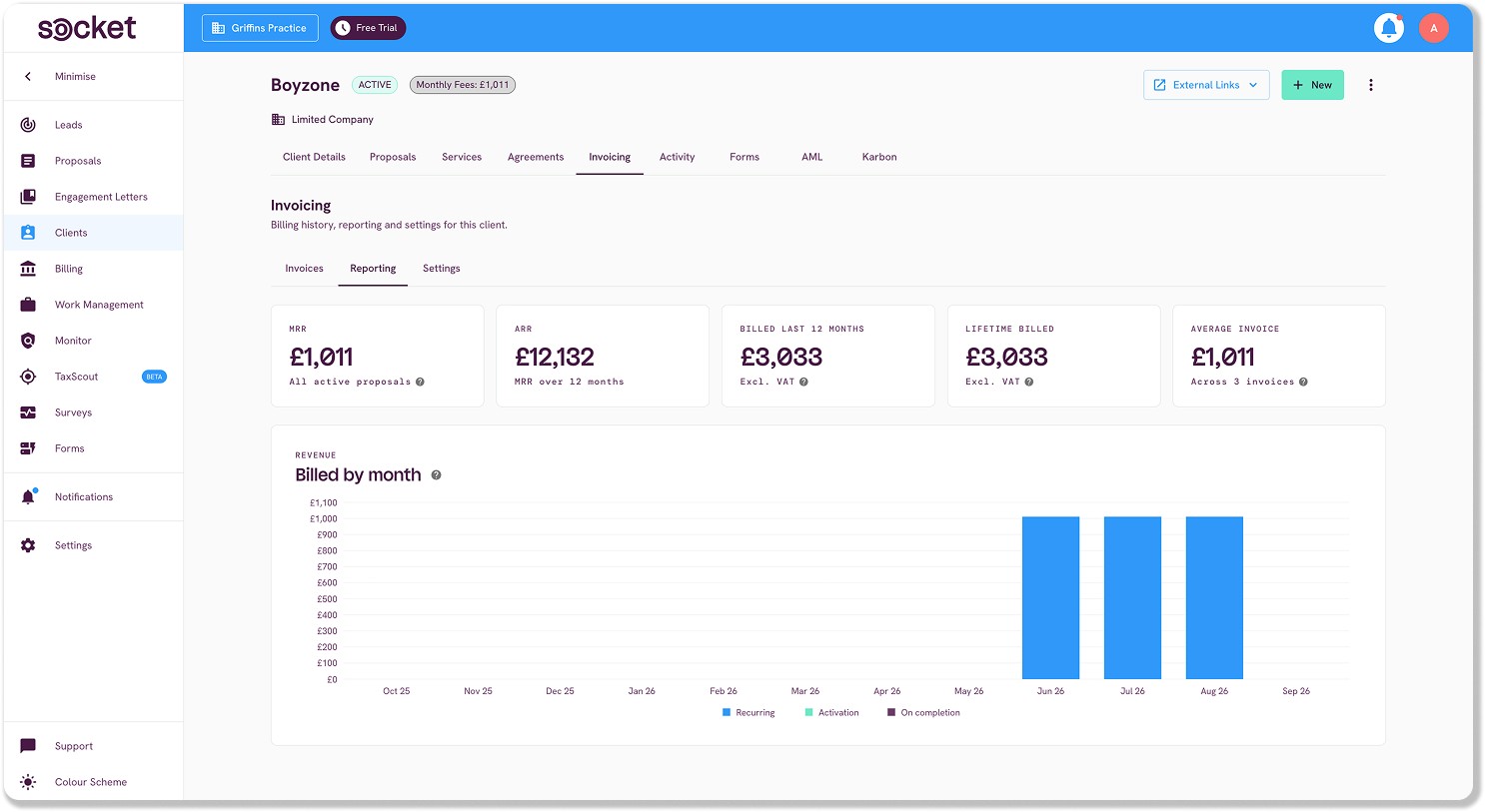
See what each client is worth. A new Reporting tab on the client Invoicing tab shows MRR, ARR, billed in the last 12 months, lifetime billed, average invoice, and a monthly chart. The Client Invoicing Tab
✔️ Engagement letters
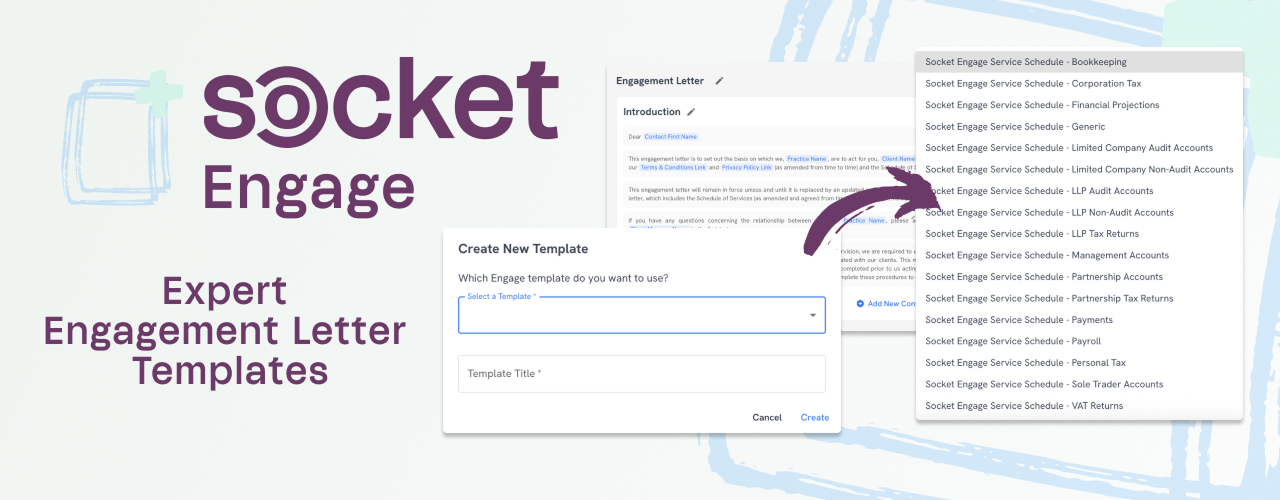
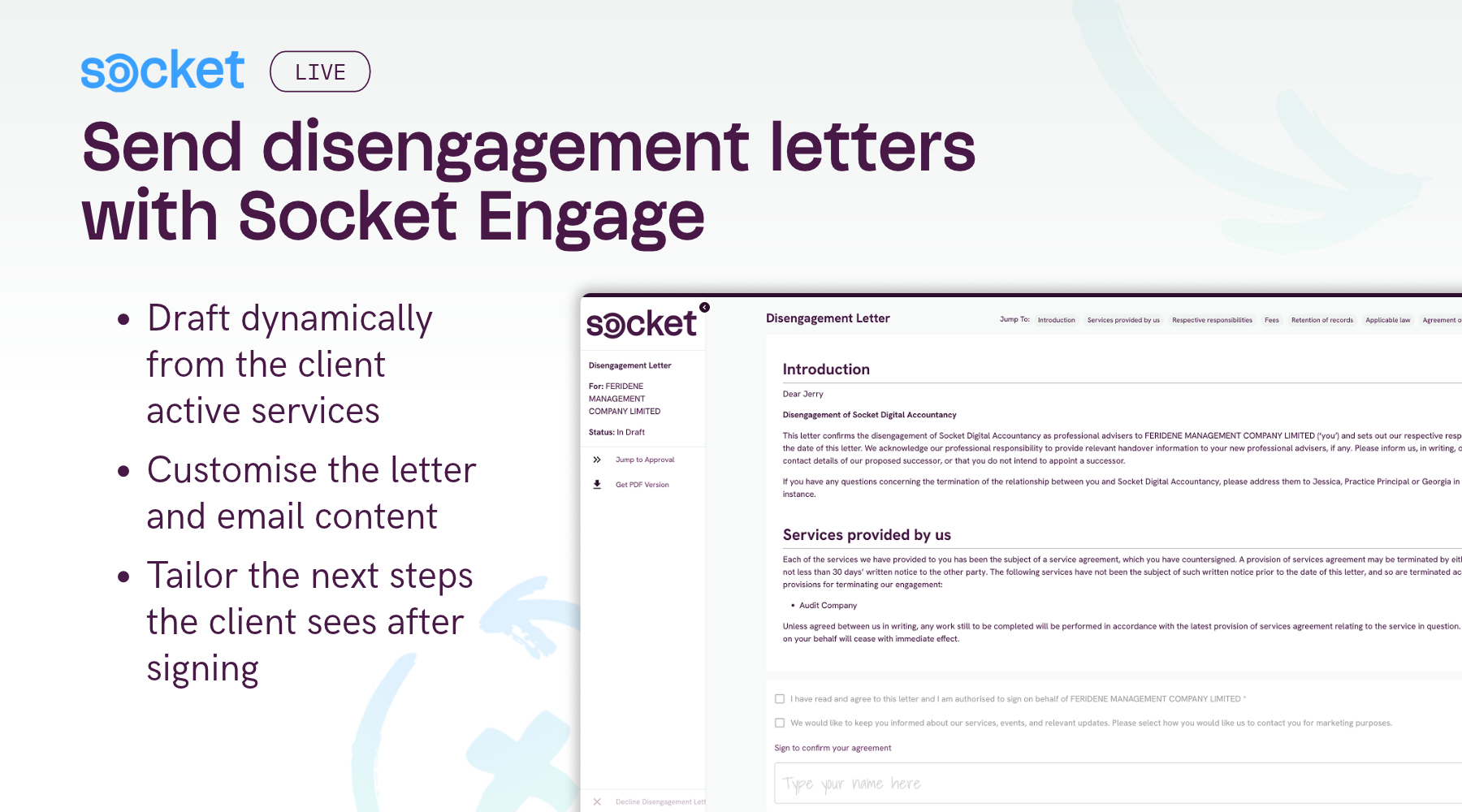
Disengagement letters for Socket Engage users: A well requested addition, you now have the ability to send a disengagement letter when you close a client, complete with an effective date and the client's service schedules it ends. This is paired with a new Socket Engage Disengagement Letter template for a quick and easy set-up. Sending a Disengagement Letter in Socket.
List a letter's service schedules with a tag. Add [service_schedules_list] to a template and it prints the letter's service schedules as a bulleted list. Using Dynamic Tags in Socket
Smaller improvements. The send button now tells you why a letter can't be sent yet. The PDF cover shows the start date. The Service Schedule Templates list has a search box. For multi-practice groups, hub wording updates reach spoke practices on the next push unless the spoke has edited its own.
✔️ AI assistant (MCP) updates
If you've connected Claude, ChatGPT, or another assistant to Socket, it can now do more with your data. It can read what a client has been billed and what they're worth, pull this month's billing and Insights figures, read your engagement letter, terms, and service schedule templates, and read your pricing menus and draft service descriptions for you. Connecting AI Assistants to Socket (MCP)
✔️ Everything else
Start a free add-on trial yourself. Paying practices can start a one-off 14-day trial of Leads, Forms, TaxScout, Engage, or Pro Features from the plan page. Editing Your Subscription & Add-Ons in Socket
Xenon Connect integration: 3-month averages and Sync now. Xenon practices can pick a 3-month rolling average instead of 12 months, and sync a single practice on demand. Xenon Connect
For Australian practices. Socket now says ABN wherever it said Company Number, XPM sync no longer sends the ACN as an ABN, and you can set a client as a Self-Managed Superannuation Fund.
Speed. The client-facing proposal page loads faster, especially on phones, and the billing overview now loads in seconds for large Xero billing plans.
Let us know how you get on with the new releases!
⚙️ Coming Soon to beta testing:
Campaigns: Offer one service to many clients. Pick recipients, set exclusions and review each proposal before it's created.
Supplementary letters. A letter template can now be primary, supplementary, or broadcast, so sending an add-on letter no longer retires the client's main engagement letter.
Adfin up-front card payments: Clients can pay the first period by card when they accept, through Adfin.
FYI custom fields: Map form answers to FYI custom fields, and review them before they're pushed.
Firmcheck integration: A new AML integration, which will include a Firmcheck status on the client's AML tab.
Want to chat to the team about any of these releases, or join a beta test?
Book a support call or start a live chat.


.gif)